NX 4 UI - Text Below Toolbar Icons
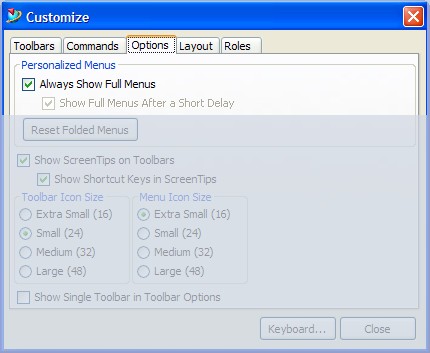
Another default installation pet peeve of mine is the toolbar icons displaying their corresponding label underneath the buttons icon. Reducing the size of the icons via the Customize dialog does not reduce the button size when text is displayed on the icons - the icons do get smaller however.
To remove the text from the buttons select "Tools > Customize", select the Toolbars page and then select the toolbar to be modified. Uncheck the option "Text Below Icon" on the right of the page and repeat these steps for each toolbar which needs to be edited.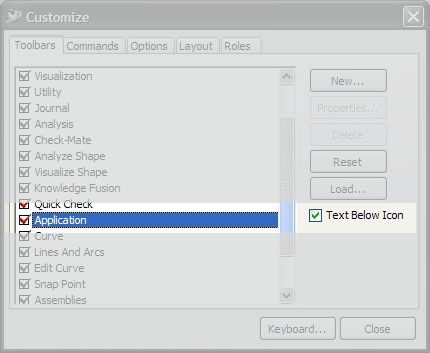
Note: Selecting the role "Advanced - Full Menus" will automatically remove the text from beneath the icons.